doctor-hill.com Carl Zeiss Meditec IOL Master  |
IOLMaster — General Operation.The IOLMaster may be operated by:
For safety reasons, the IOLMaster operating system is not accessible the user and works in the background.
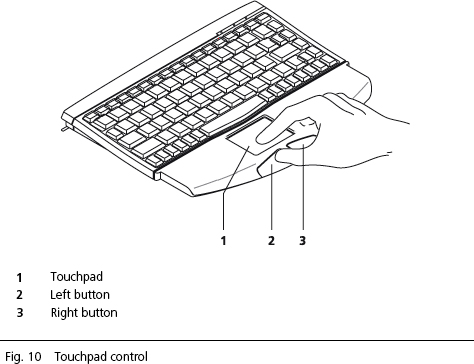
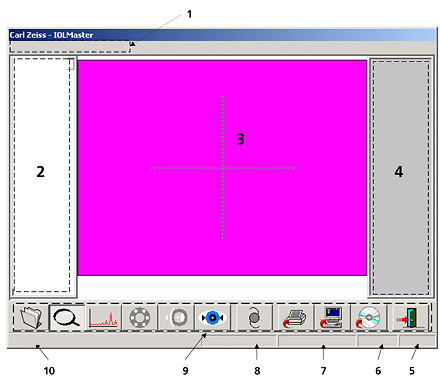
Windows operating conventions apply to the user interface of the IOLMaster software. This relates to utilizing a mouse/touch-pad, the use of icons, dialog boxes and menus, confirmation by double-click, etc.
The IOLMaster software uses only a few forced processes. The user may switch freely between the individual modes. For a logical workflow, the user is advised to observe the sequence of measurements described in the IOL Master Instruction Manual V.4. In rare cases, a Windows error message may appear on the LC display. This could happen, for instance, if the program flow is interrupted (mostly by external interference, such as from mobile phones). Risks to human beings are reliably precluded by multiple safety mechanisms in the IOLMaster's hardware and software.
Initiate Measurements by Pressing Joystick Button
In addition to program control via touch-pad, you may activate certain menus by pressing individual keys or key combinations. See:
|